Description
SELF-HOSTED PHP PERFORMANCE TEST SOFTWARE
Hugebd PHP Website Speed Test PHP Tool
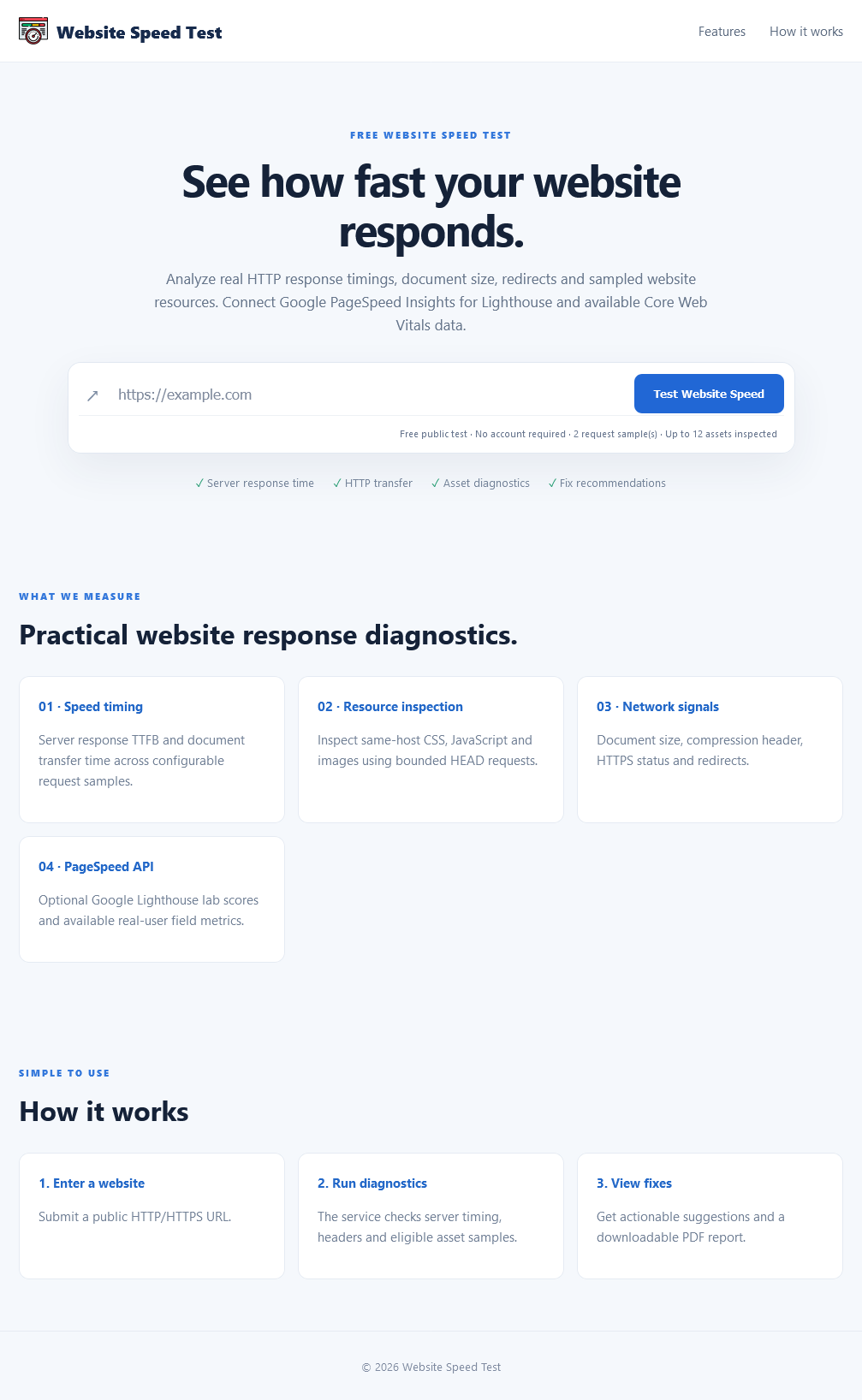
Measure server response time, check website resources and discover performance improvements.
PHP 7.4–8.x · JSON Storage · No MySQL · No Visitor Account
About Website Speed Test
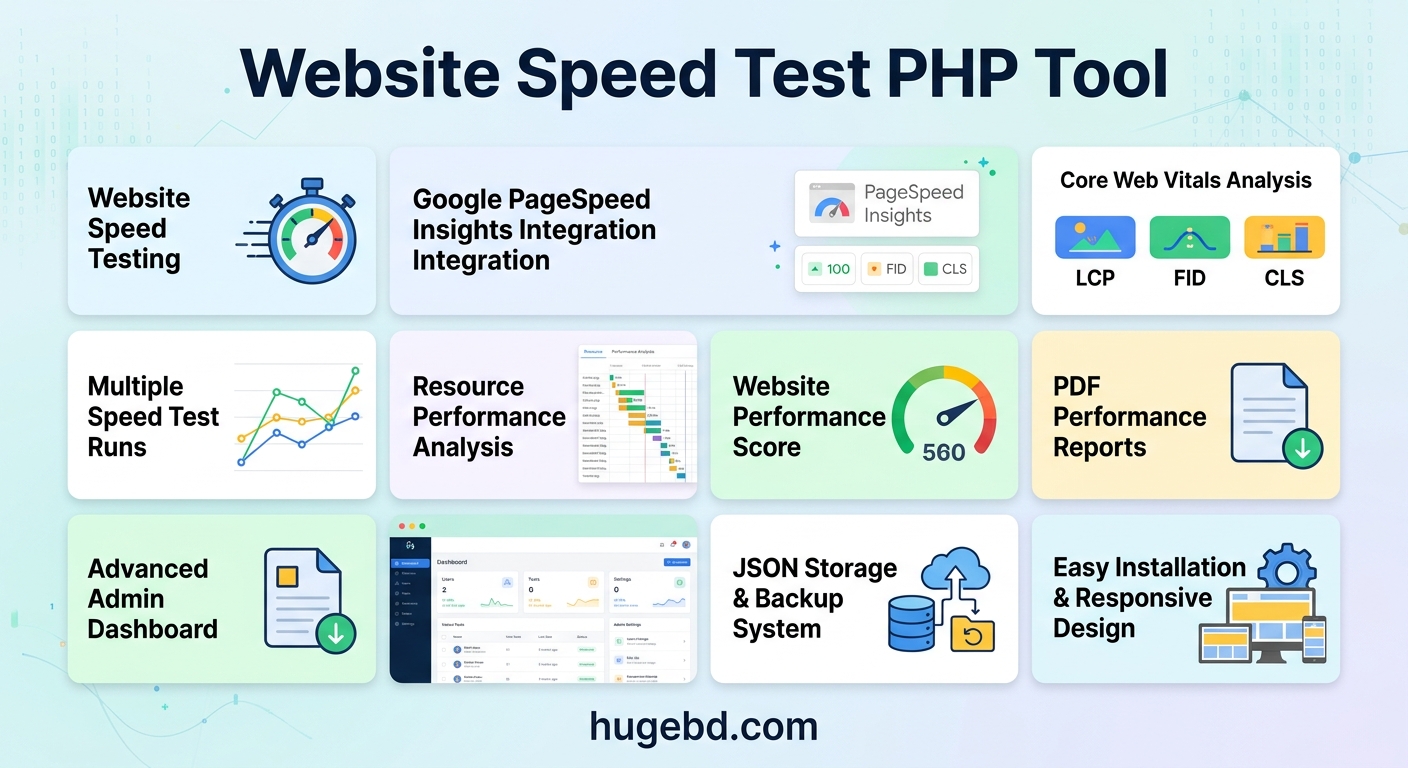
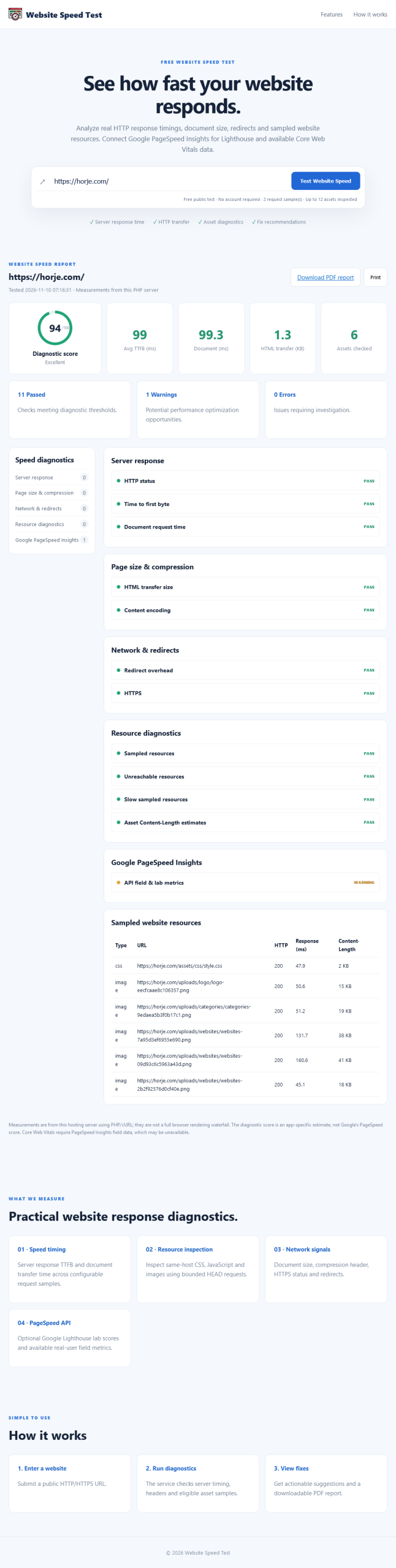
Website Speed is a lightweight, responsive PHP-based web application that allows visitors to test their website speed quickly and accurately. Submit a public website URL to inspect response timings, document size, redirects, compression and selected CSS, JavaScript and image resources. The tool produces a diagnostic score, warning/error explanations, optimization suggestions and downloadable PDF reports.
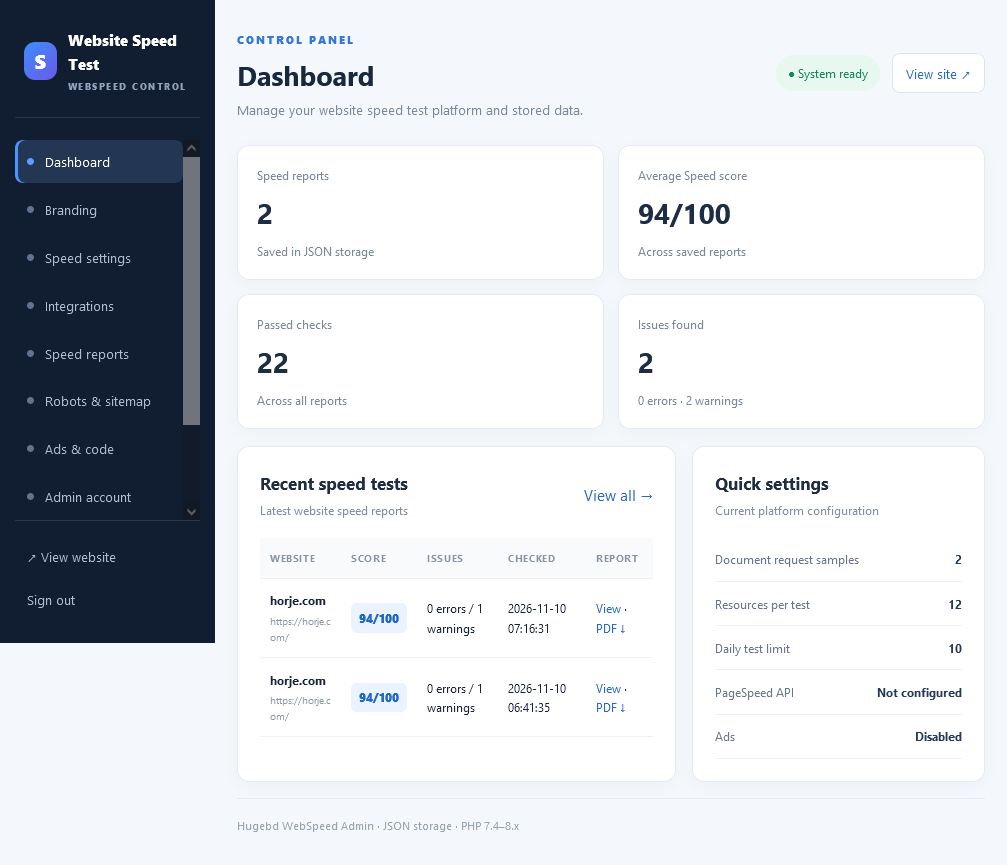
Manage the tool with a dedicated admin dashboard, customizable branding and SEO settings, PageSpeed Insights integration, JSON-backed report history, backup/restore and an automatic ZIP updater.
Website speed measurements
Average server Time to First Byte from repeated PHP/cURL requests.
Average server-side document request duration including redirects.
Check successful and error HTTP responses.
Measure fetched document size in kilobytes.
Inspect Content-Encoding, including gzip and Brotli where present.
Identify and count redirect hops for the tested document.
Check whether the final tested URL uses HTTPS.
Inspect selected same-host resources using HEAD requests.
Flag sampled resources responding slower than the tool’s threshold.
Identify resource URLs returning errors or failing to respond.
Estimate sampled asset sizes when servers provide a Content-Length header.
Display warning/error status, supporting evidence and practical optimization suggestions.
Google PageSpeed Insights (optional)
Retrieve Google performance scores for mobile and desktop strategies.
Display available LCP, CLS, FCP and TBT diagnostic data.
Display LCP, CLS and INP real-user metrics when Google returns sufficient data.
Enter or clear a Google PageSpeed Insights API key in the admin panel.
Administration and management
Overview of reports, performance statistics and quick settings.
Change site name/description and upload a custom logo or favicon.
Configure 1–3 runs, 0–25 sampled assets, 5–30 second timeout and visitor daily limits.
Enable or disable tests; visitors do not need user accounts.
View test history and download PHP-generated PDF reports.
Edit robots.txt and validate/save XML sitemap content.
Configure advertisements, head code and footer code.
Password-hashed admin login, password changes and CSRF-protected forms.
Create/download ZIP backups and restore supported configuration/report files.
Install compatible ZIP update payloads with pre-update backup.
Store settings, reports, admin account data and quotas without a MySQL database.
Set up the app from /install/ with administrator username and password.
Easy Installation
- Upload and extract the application ZIP to the target domain’s document root.
- Select PHP 7.4 or PHP 8.x and enable cURL, DOM/XML, JSON, OpenSSL, Fileinfo and ZipArchive.
- Allow PHP to write to storage/ and uploads/brand/.
- Visit
https://yourdomain.com/install/, enter your site name and create an administrator account. - Sign in at
/admin/login.phpand configure Speed settings, branding and the optional PageSpeed API key.
Technical Specifications
| Product | Hugebd PHP Website Speed Test PHP Tool |
| Version | 1.0.0 (App Version 1) |
| Release Date | 08 November 2026 |
| PHP | PHP 7.4–8.x |
| Hosting | cPanel / VPS / Dedicated Server |
| Storage | JSON (no MySQL required) |
| Developer | Md Rakib Khan |
Try the Live Demo
Explore the public speed test and its result interface.
Need assistance? Hugebd Support
Developed by Md Rakib Khan · Hugebd Website Speed Test v1.0.0